Custom map templates
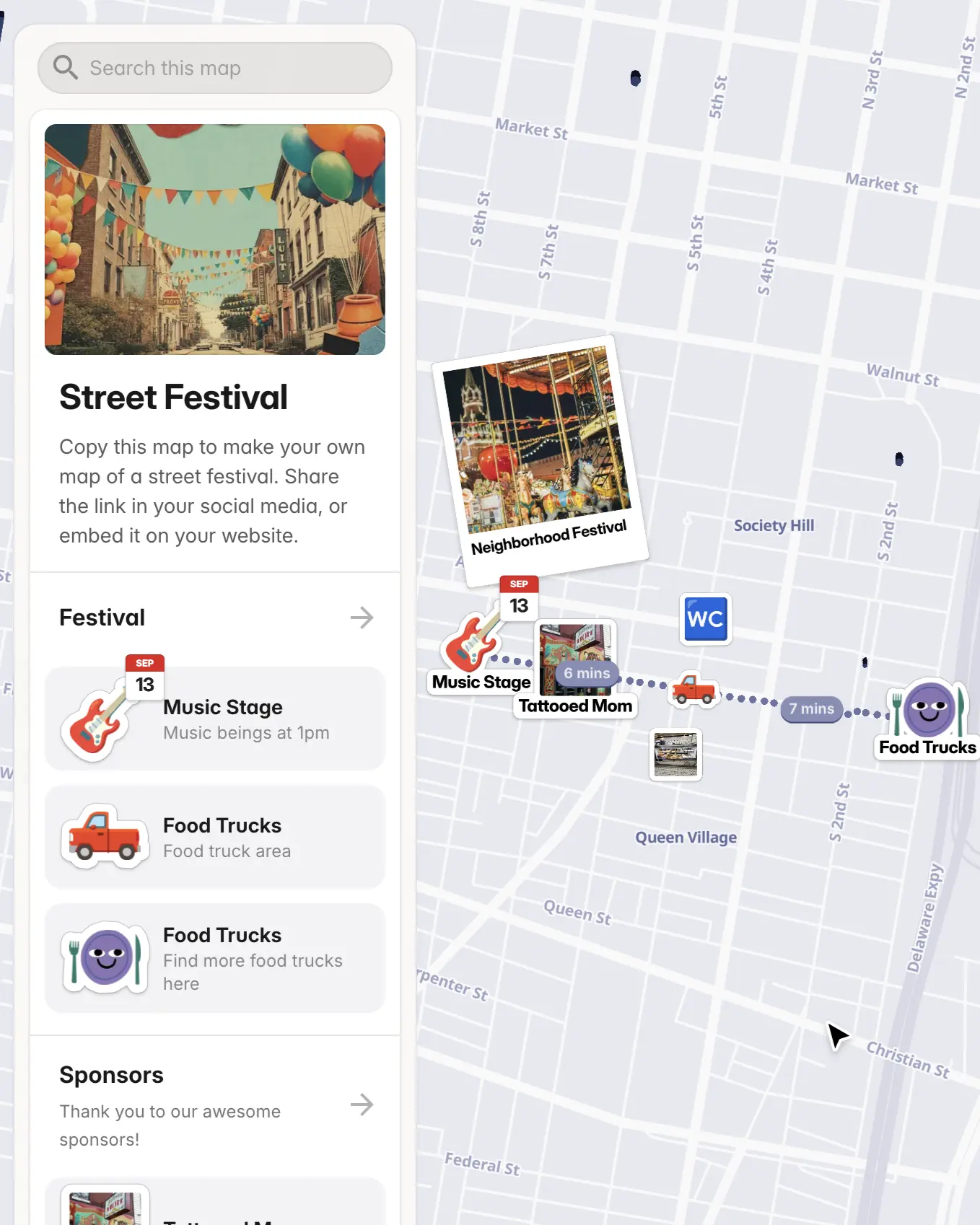
Street Festival map
Create a custom map of your street festivals activities, vendors, and entertainment. Perfect for event planning and visitor guidance. Made with PamPam, an AI map maker to make custom maps.
Add up to 1k pins per map
Embe map on your website
Choose a color theme
Add from CSV, Google Sheets, Airtable
Add pictures and YouTube videos
Show walking and driving routes
Add custom icons and stickers
Crowdsource places using Google Forms
Custom categories and fields
As seen on the internet




How do I make a street festival map with a custom map maker?
Open this Street Festival map template in PamPam’s custom map maker, copy it, and add your vendors, stages, food trucks, and activities as pins. Group them by category—like music, food, or kids’ zone—then share the interactive map with visitors.
Can I import vendors or activities from a spreadsheet?
Yes. Upload a CSV or connect a Google Sheet with columns like name, address, category, and hours. PamPam geocodes the locations and builds your festival map automatically so you can focus on styling and sharing.
Can attendees filter the festival map by category?
Yes. Add categories or custom tags—such as food, music, art, or family-friendly—and visitors can filter the map to find exactly what they’re looking for on festival day.
Can I embed the street festival map on my website?
Absolutely. Click Share → Embed to copy the code and paste it into your event site, blog, or Notion page. The map stays live and updates whenever you edit your festival details.
Is the street festival map mobile-friendly for visitors on the go?
Yes. PamPam maps work great on phones, so attendees can pull up the festival map, tap pins for details, and navigate between vendors and stages from anywhere on the grounds.
Can I print my street festival map?
Yes. With PamPam, you can design a print-ready version of your street festival map and export it in different sizes like postcard, flyer, or poster.